


The EA FC Ultimate Team transfer market under control.
Find deals faster and with less effort. Use the free keyboard controls or go for automation with AUTO mode.
- Works in Chrome
- No EA password needed
- Lightweight, runs in the background
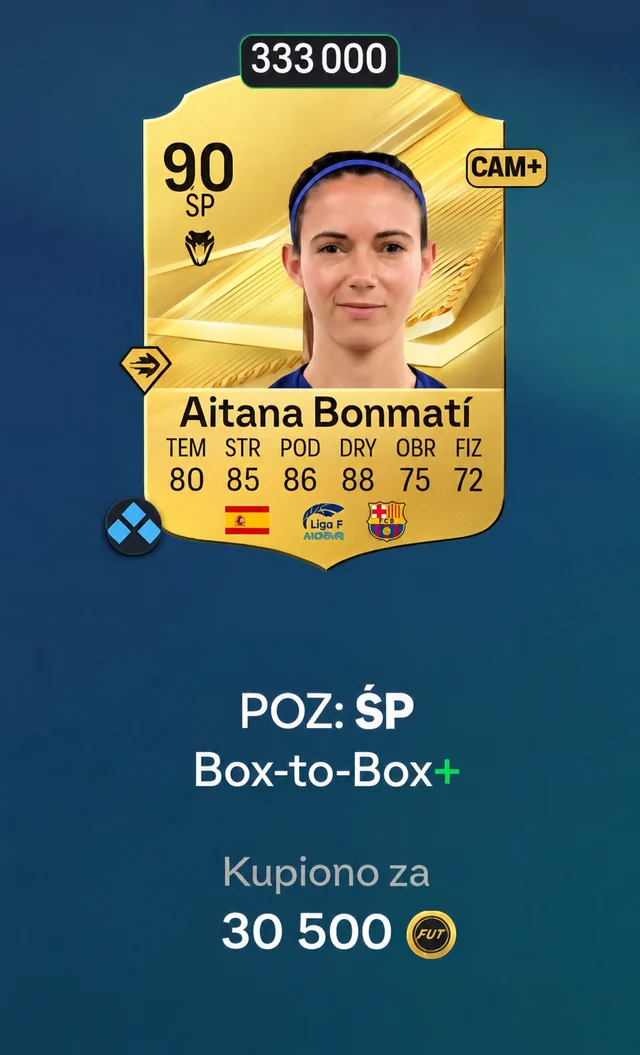
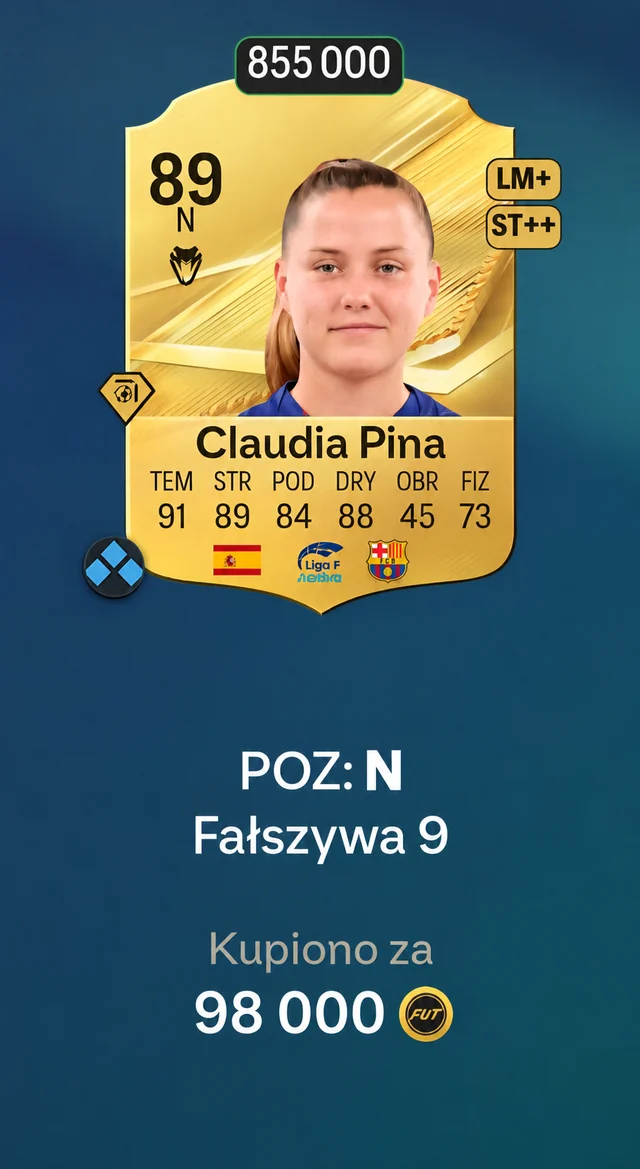
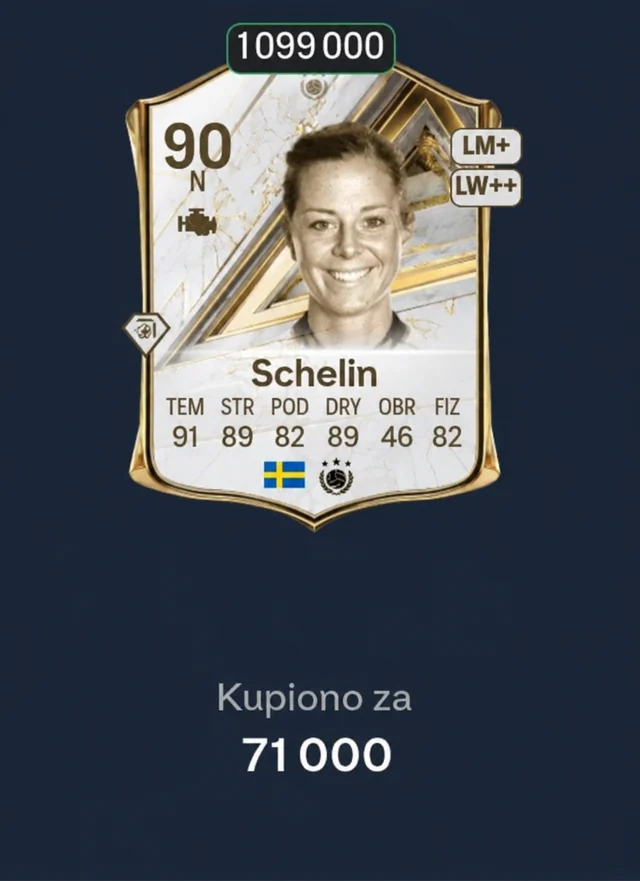
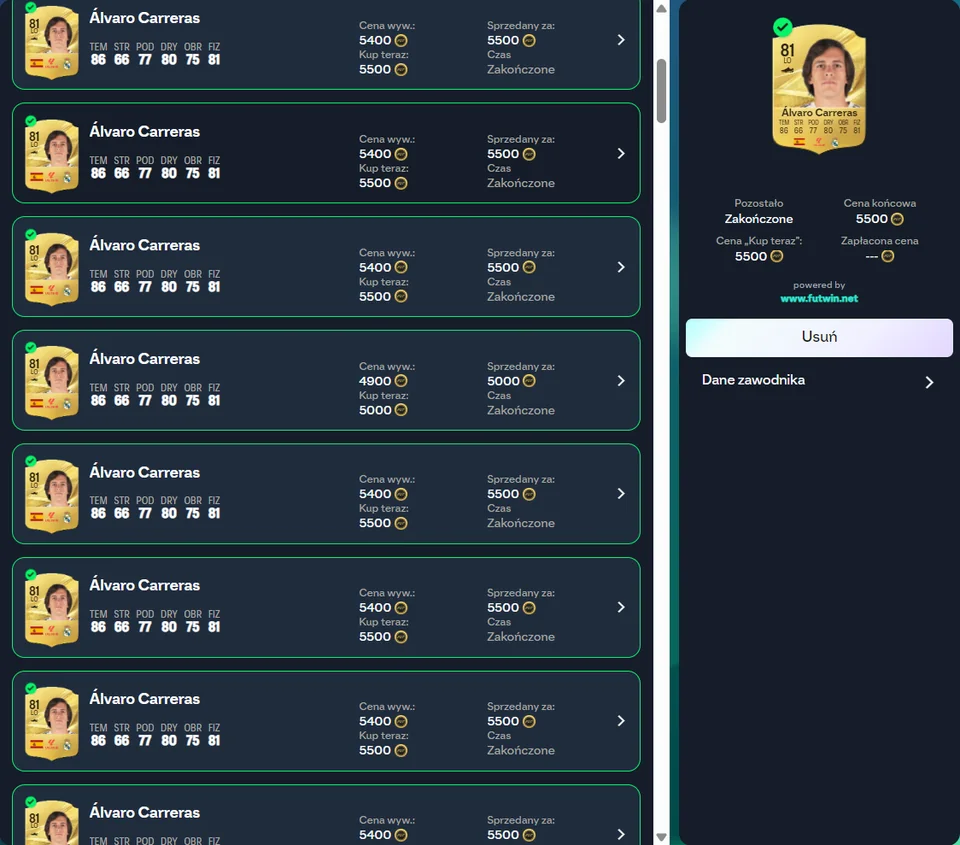
Gallery
See FUTwin in action
Features
For your squad and for investing
The best deals on the market are gone in seconds. FUTwin lets you buy them faster, for your squad or as an investment.
Free keyboard shortcuts
Search, buy, change prices and send cards to the transfer list with a single key. FUTwin confirms the purchase straight away, with no pop-up to click.
Save time with AUTO
AUTO searches on its own, buys cards at your price and sends them to the transfer list. It stops at the limits you set.
A custom mode for your style
You set the pace, the breaks and the price raises.
Join the group
Help with FUTwin and tips from other players on Facebook (in Polish).

Premium
Unlock everything
- AUTO mode that searches, buys and sends cards to the transfer list on its own
- Three modes: Normal, Ultra safe and Custom
- Search and purchase limits, plus a panel with a log
40zł for 30 days
One-time payment in Polish złoty (PLN), no subscription.
Buy PremiumPayment via Stripe: card, Apple Pay, Google Pay, BLIK. The code appears right after payment.
Already have a key?Keyboard shortcuts work without Premium.
How do I install FUTwin?
- 01
Click Download FUTwin and add the extension from the Chrome Web Store.
- 02
Open the EA FC Web App and go to the transfer market.
- 03
Click the FUTwin icon in the Chrome toolbar. The shortcuts work straight away, and you can change the keys in the window.
How do I start AUTO?
Activate your license, open a search on the transfer market, set MAX BIN and press the AUTO key (= by default). AUTO buys with the coins in your club, so check your filters and MAX BIN first.
Do I need Premium?
Not for the shortcuts, they are free. Premium unlocks AUTO mode.
What do I get after paying, and when?
A 30-day Premium code, right after payment. You enter it in the FUTwin window, and Stripe sends you the receipt by e-mail.
Can I use FUTwin on two computers?
Yes. Enter the code in each browser separately. Do not pass it on to anyone.
What if I lose my code?
The page with your code stays at the same link, so bookmark it. If you no longer have it, write to [email protected] from the address you used to buy.
How do I activate my license?
In the FUTWIN ACCESS panel choose “I have a key”, enter it and click “Check”.